1
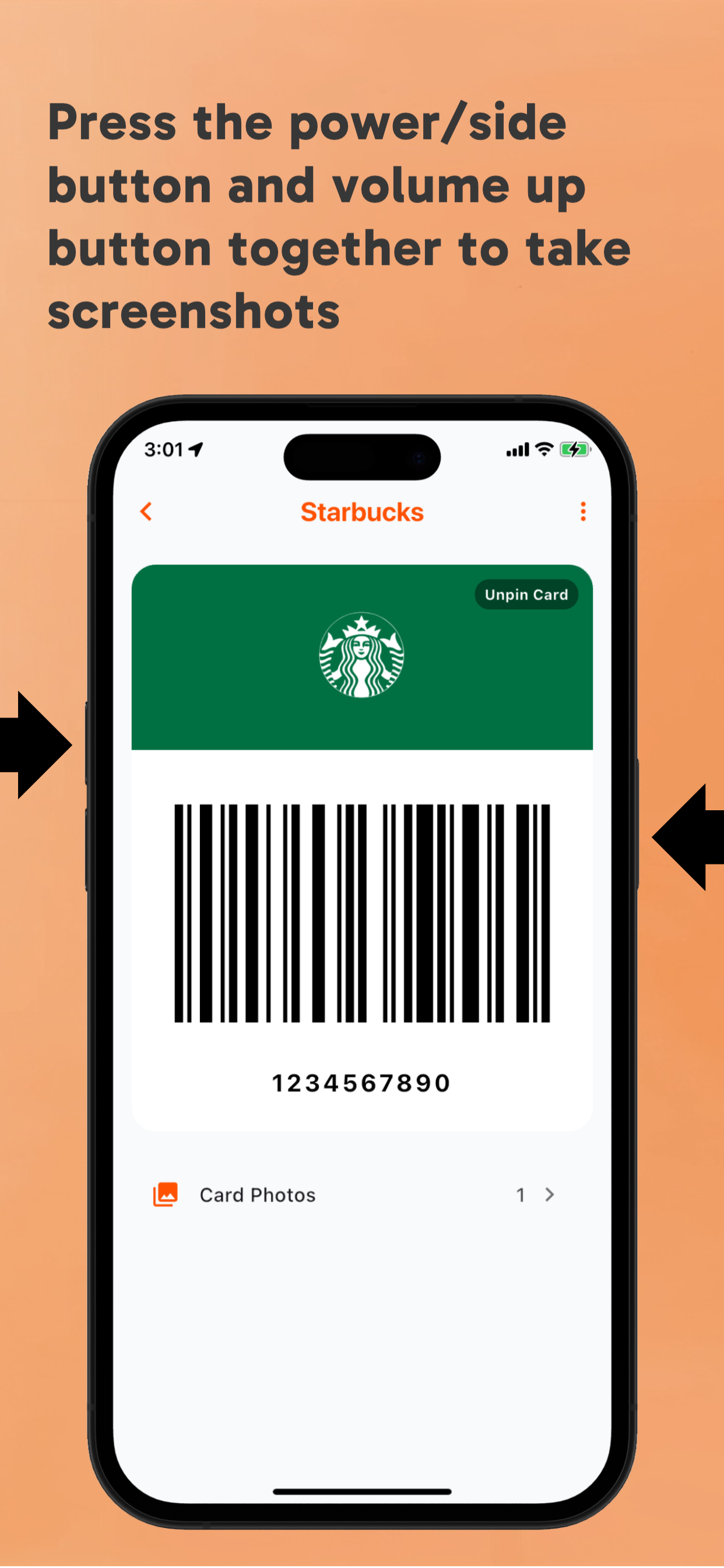
screenshots
Start with the cards you use most often, name them clearly, and keep the important ones easy to open.
RooCards FAQ
screenshots. Start with the cards you use most often, name them clearly, and keep the important ones easy to open.
FAQStart with the cards you use most often, name them clearly, and keep the important ones easy to open.
Use one wallet for store cards, rewards cards, membership cards, barcodes, QR codes, and occasional passes.
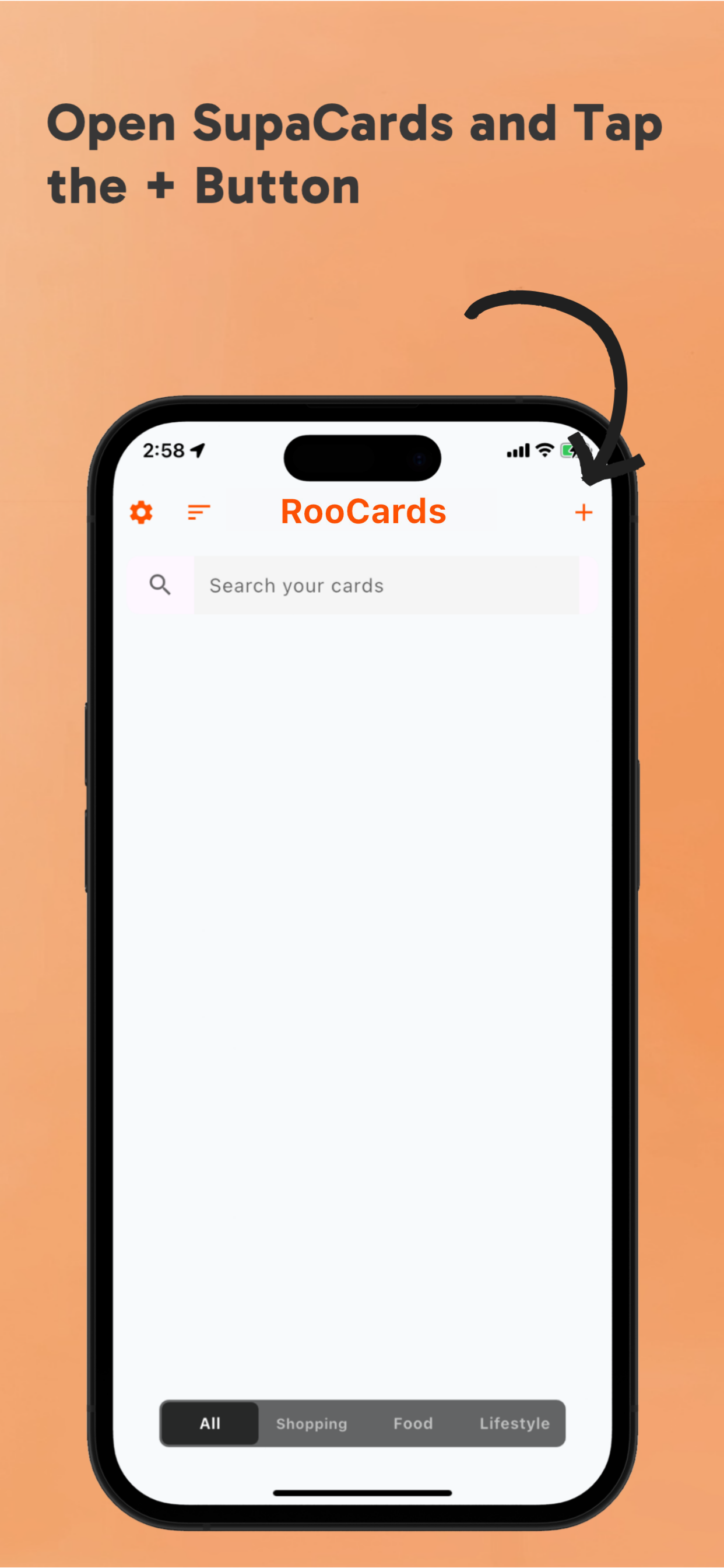
Open the right card quickly when you are at checkout, checking in, or showing a membership code.
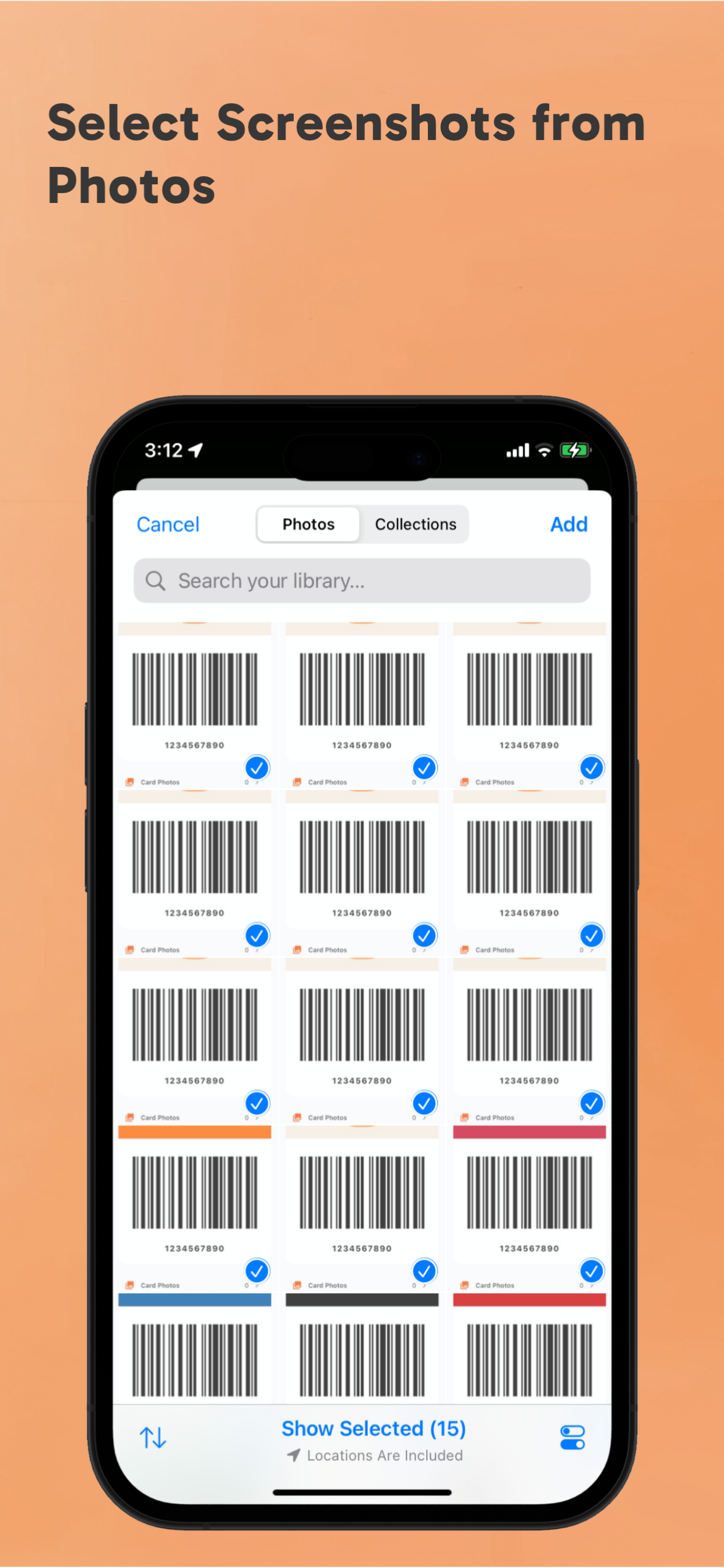
Start with the cards you use most often, name them clearly, and keep the important ones easy to open.
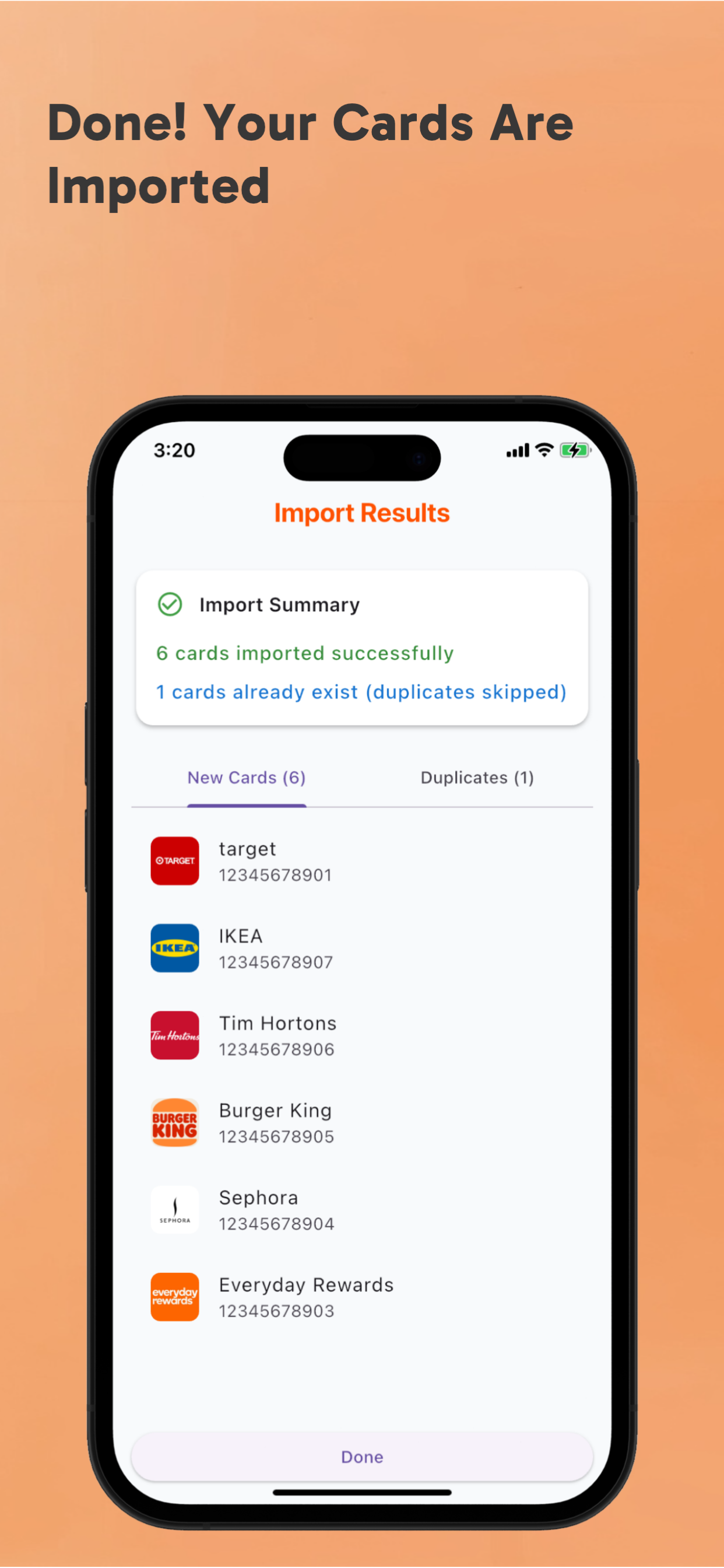
RooCards keeps store cards, loyalty cards, membership cards, barcodes, and QR codes ready in an iPhone-first wallet, with a basic Android version available.