 MarcX Studio
English
Color Palette from Photo
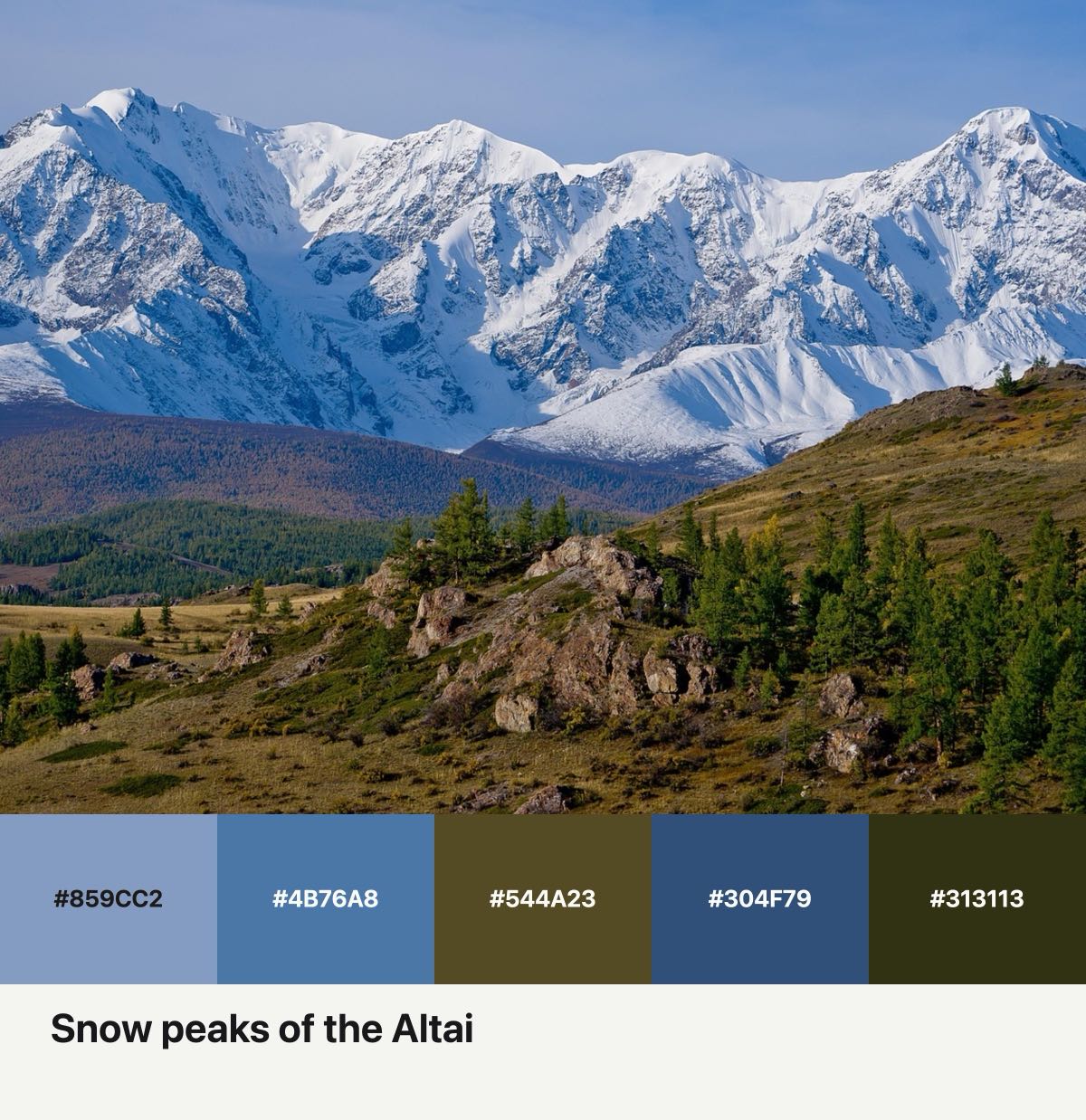
Pick a photo, get its main colors with HEX codes, and download them as a color card.
This is a sample photo. Swap in one of yours.
Drag the photo to reframe. Tap a swatch to swap it, tap a HEX code to copy it.
Layout
Ratio
Colors
Paper
Printed on the card, up to two lines.
One photo, a few cards
Tap one to carry on with its layout and ratio.
How to make a color card
- Choose a photoPick a photo from this device and the page reads its main colors.
- Set the colors and captionChange how many colors, their order and the paper, drag the photo to reframe, then write a line to keep on the card.
- Download the PNGThe card saves as an image you can keep in your photos or send to a friend.
How the colors are picked
The page shrinks the photo, then groups its pixels by how different the colors look to the human eye, giving vivid colors more weight. Each group gives one representative color. The heaviest 3, 5 or 6 are chosen, and colors that are too close are kept once. Want the color of one small detail? Tap a swatch, then tap that spot on the photo.
What goes on the card
The card holds the photo, the swatches with their HEX codes and your caption. The date taken and the location can go on it too: they fill in from the photo when it has them, or you can type your own, and the location field takes a place name just as well. Choose 3, 5 or 6 colors, the original ratio, 4:3, 3:4, square or 9:16, and a paper color.
Download the PNG
Send the PNG to your photos or a chat. Your photo is processed in this browser on this device.
Updated